
How it works
A short process, with control at every step
For Valerian Sales, Customers and Stock: check your file structure for free with Check, review the tool’s requirements and prepare your run. Each has a published price, VAT included. Valerian Cortex starts with an assessment.
Step 01
Create your account
Sign up with email and password, verify by email and pick your language. The account can be personal or a company.
We verify your email before enabling runs.
Step 02
Review your file with Valerian Check
Upload a CSV or XLSX to check headers, structure, missing values, duplicates and date and value formats for free.
Up to 50,000 rows and 10 MB. This review does not determine which forecasts your history supports.
Step 03
Choose your tool
Sales to forecast sales, Customers to understand customers or Stock to plan inventory. Check the tool’s column and history requirements.
Each tool shows its monthly subscription price, VAT included.
Step 04
Prepare the file in the tool
Upload your CSV or XLSX in Sales, Customers or Stock. Review column mapping and configure the analysis options. Stock supports an additional current-inventory file.
The analysis tools have different limits from Check: see those shown on the upload screen.
Step 05
Run the tool
Check the published price and configure the tool’s options. Once you confirm, analysis of your file begins.
The subscription is monthly and you can cancel it anytime.
Step 06
Get your results
View the tool’s interactive dashboard, report and downloadable files. Processing time depends on the size and characteristics of your data.
Your results stay available in your private area.
Follow your analysis progress
- Data preparation
- Analysis in progress
- Results available
Your private area shows the progress and results of each run. If your file needs corrections or analysis fails, review the message before running it again.
Valerian Cortex: assessment and proposal
To coordinate the use of Sales, Customers, Stock and Profit IQ in your operation, we start by understanding your business and data. Each tool retains its own dashboards and reports. Cortex guidance, scope and terms are defined in the proposal.
- We assess your needs and available data.
- We agree on tools, deliverables, guidance and the scope of AI or automation.
- We define price, timing and terms before work begins.
Our commitments
- Valerian Check reviews your file structure and formats for free, within its published limits.
- We show the data requirements and limitations of each analysis.
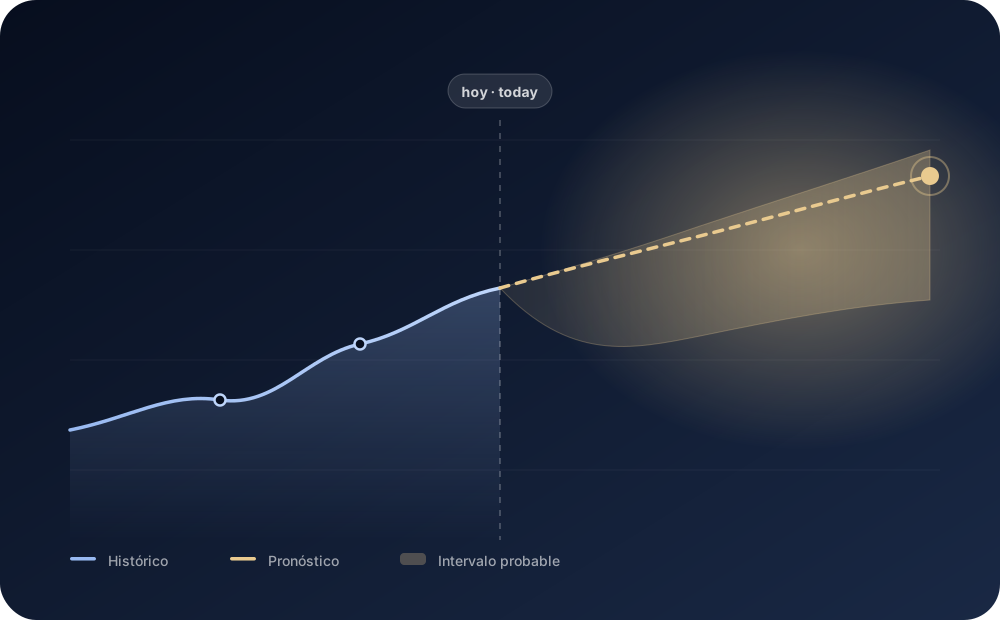
- Forecasts are presented as estimates with ranges, never as certainties.
- AI-assisted recommendations are identified as such.
- Your files carry a retention date and you can request their deletion.
First we validate. Then you decide.
Create your account and review your CSV or Excel structure for free with Valerian Check. Check the requirements and price of Sales, Customers or Stock before running it; for Cortex, request an assessment.